
Budgets for any period you actually use
Monthly, weekly, daily, or a custom range for a one-off goal like a trip. Per-category spending limits, and the full history of past budget cycles instead of only the current one.


Money Manager
Free on Google Play · Works offline · Open source
Every transaction, budget and goal lives in a database on your own phone. The app never connects to your bank, never asks to read your SMS, and keeps working with mobile data switched off.
No account. No sign-up.
Bank-aggregating apps ask for your net-banking login. SMS-reading apps ask for every message on your phone, OTPs included. In both cases your financial history ends up on somebody else’s server, and you are trusting a privacy policy you did not write.
For a category this sensitive, the safest design is the boring one: the data never leaves the device. No account to breach, no server to leak, nothing to subpoena. The trade is that you type your transactions in, which takes about fifteen seconds a day, and is the part that actually makes people notice where their money goes.
What is inside
Keeping data on the device usually means giving up features. It doesn't here.
Monthly, weekly, daily, or a custom range for a one-off goal like a trip. Per-category spending limits, and the full history of past budget cycles instead of only the current one.
Cash, bank, wallet, each in its own currency, with exchange rates cached on the device so conversion keeps working on a flight or with data turned off.
Save toward a purchase or pay down what you owe, with progress tracking and records for money lent and borrowed, the part most trackers leave out entirely.
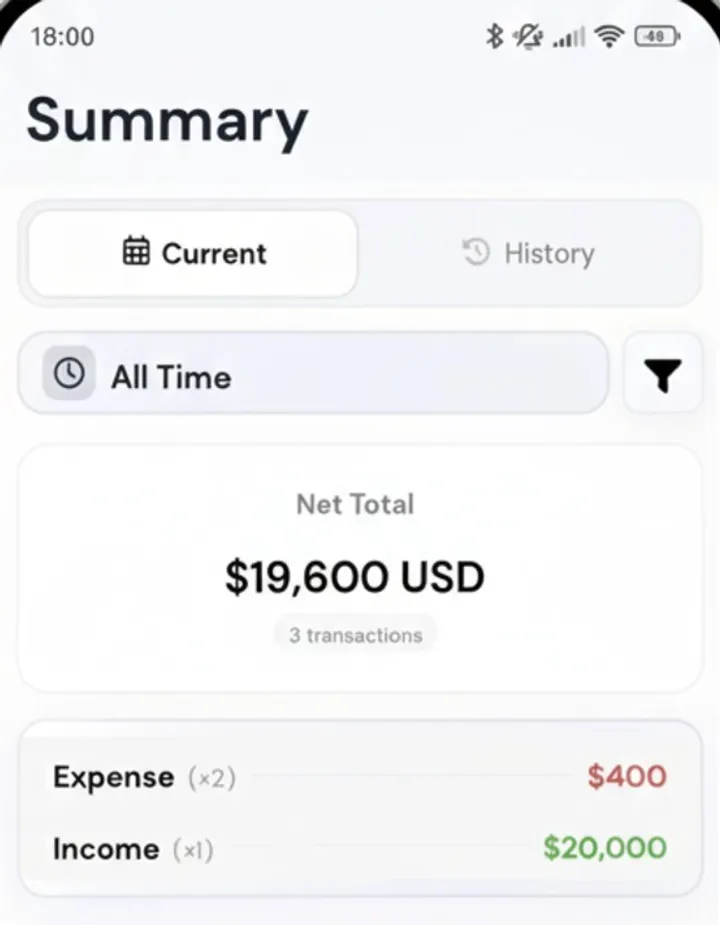
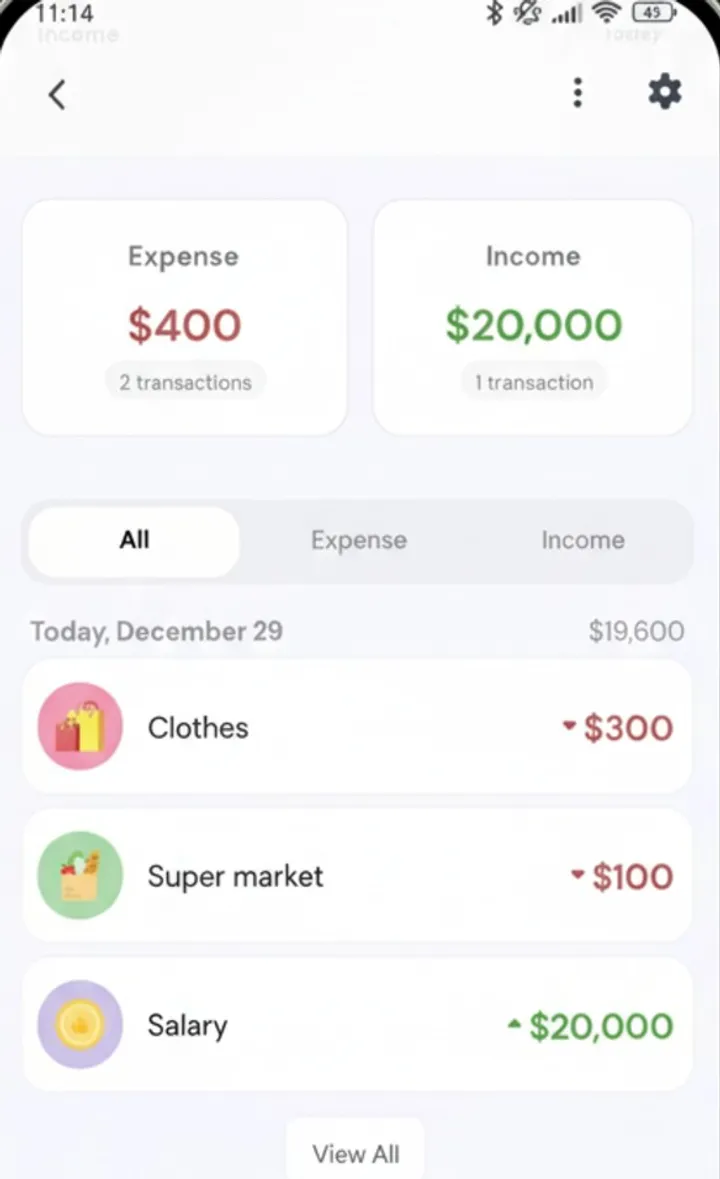
Spending by category, net worth over time, heat maps, line and pie breakdowns. Enough to see which category quietly grew this month, not just a total.
Backup is optional and goes to your Drive account. There is no server of ours in the path, so there is no copy of your finances anywhere you did not put it.
CSV and full database import and export, biometric lock, home screen widgets and quick actions. If you ever want to leave, the door is unlocked from the inside.
Also inside: recurring transactions and subscriptions, upcoming and overdue tracking, categories with subcategories, attachments and notes, a bill splitter for shared costs, and 58 languages.
Getting started
No sign-up screen, no email, no permissions dialog asking for your messages.
Pick your currency and a period that matches how you actually get paid.
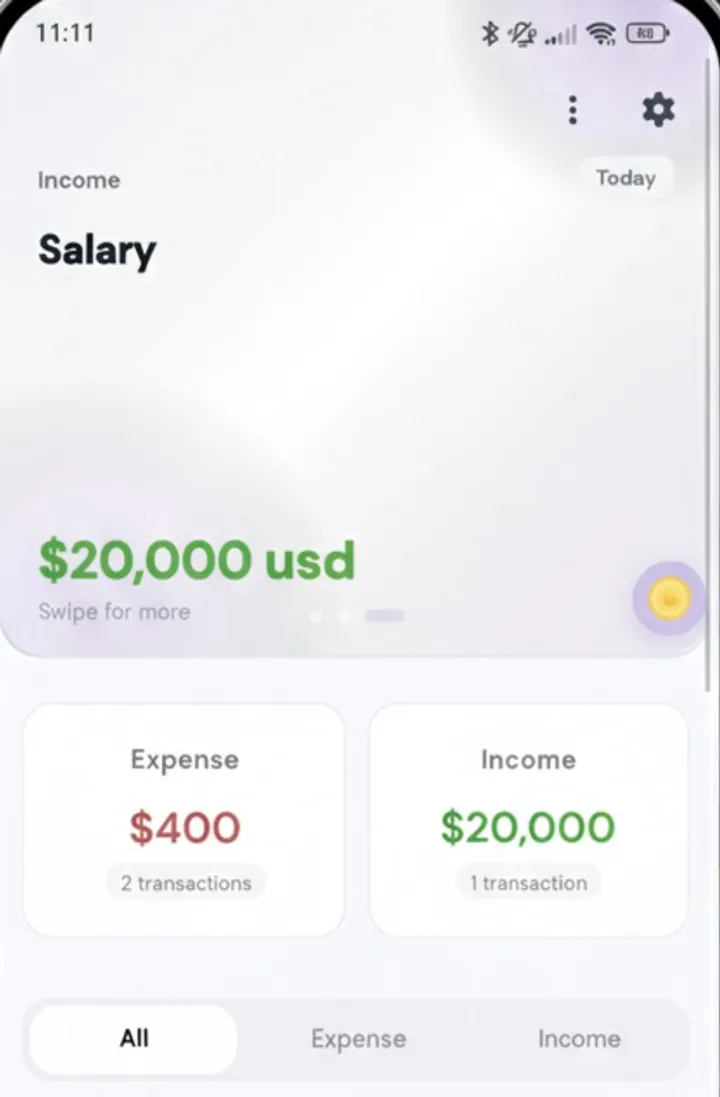
A few taps per transaction, or let recurring entries and subscriptions handle themselves.
The complete source for every published build is public under GPL-3.0. For an app that holds your financial history, “trust us” is worth a great deal less than check for yourself, and the licence means it stays that way.
This app is a derivative of Cashew by James Kokoska, whose work is the core budgeting engine, database layer and UI framework here. Full credit for that belongs to its original author.
No, and it cannot. There is no bank integration in the app at all: no aggregator, no net-banking login, no card linking.
No. The SMS permission is not requested, so the app has no way to see your messages. Transactions are the ones you enter.
In a local database inside the app's private storage on your phone, which other apps cannot read. Clearing the app's data or uninstalling it removes it.
Turn on backup to your own Google Drive before you switch, or export the database yourself and import it on the new phone. Both paths keep the file in your hands.
It is free to use. Premium is an optional upgrade that unlocks unlimited budgets and goals and removes ads. Your transactions stay on your phone either way.
Yes, through CSV import. You can also export to CSV at any time, which is the same thing that makes leaving easy.
Money Manager - Offline Budget is a GPL-3.0 derivative of Cashew by James Kokoska. The upstream project is not affiliated with this build and does not accept issues about it.
Free to use, offline, no account, and open source. Fifteen seconds a day is the whole commitment.