


Plainspend
iPhone & iPad · the next Money Manager
Plainspend: know where your money goes, without handing it to anyone.
A private expense tracker and budget planner. Log a purchase in two taps, see what you can still spend today, and hide every amount with one tap. No bank login, no account, no ads, no subscription.
Being prepared for App Store review. This page will link to the App Store as soon as Apple releases the app.
- No ads
- No account
- No tracking
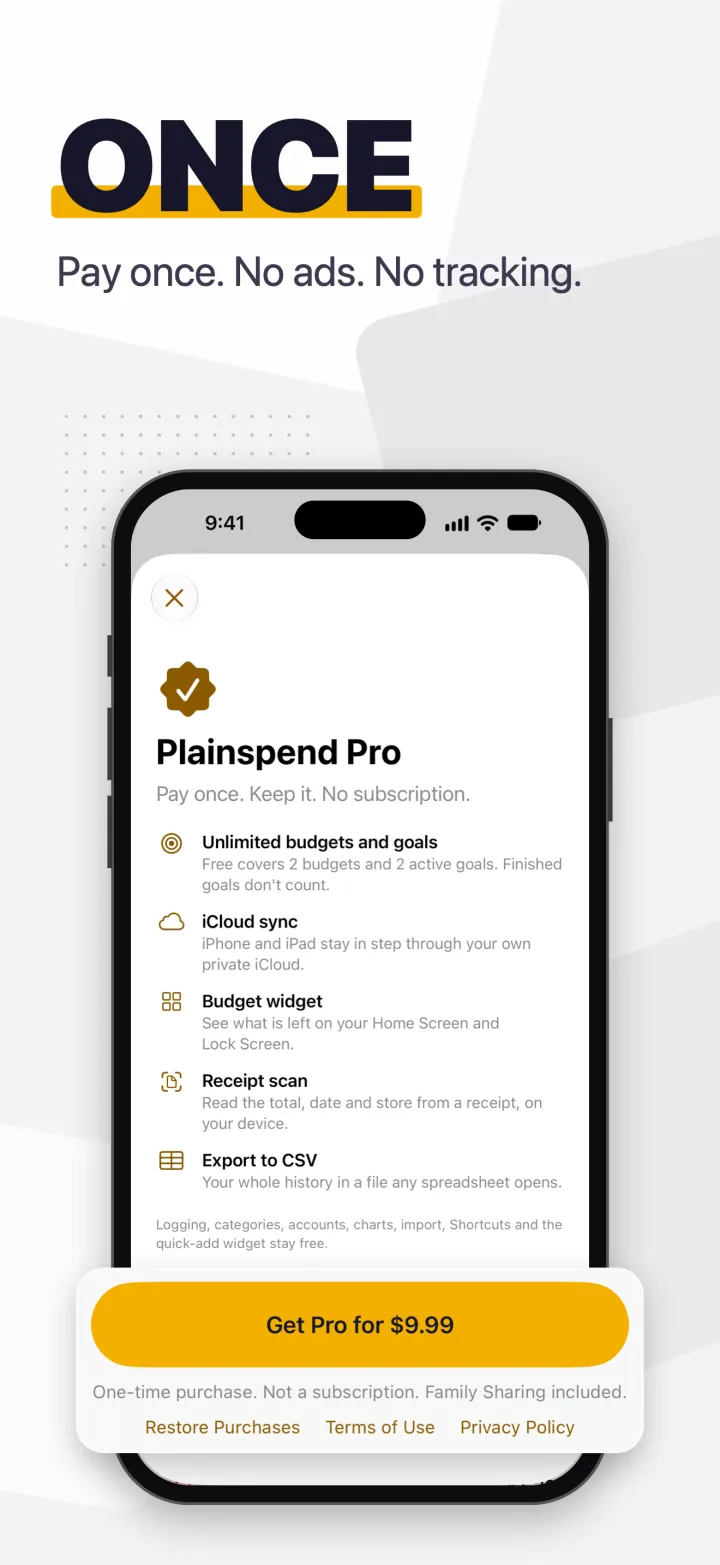
- Pay once
Screenshots
What it does
Log it in seconds
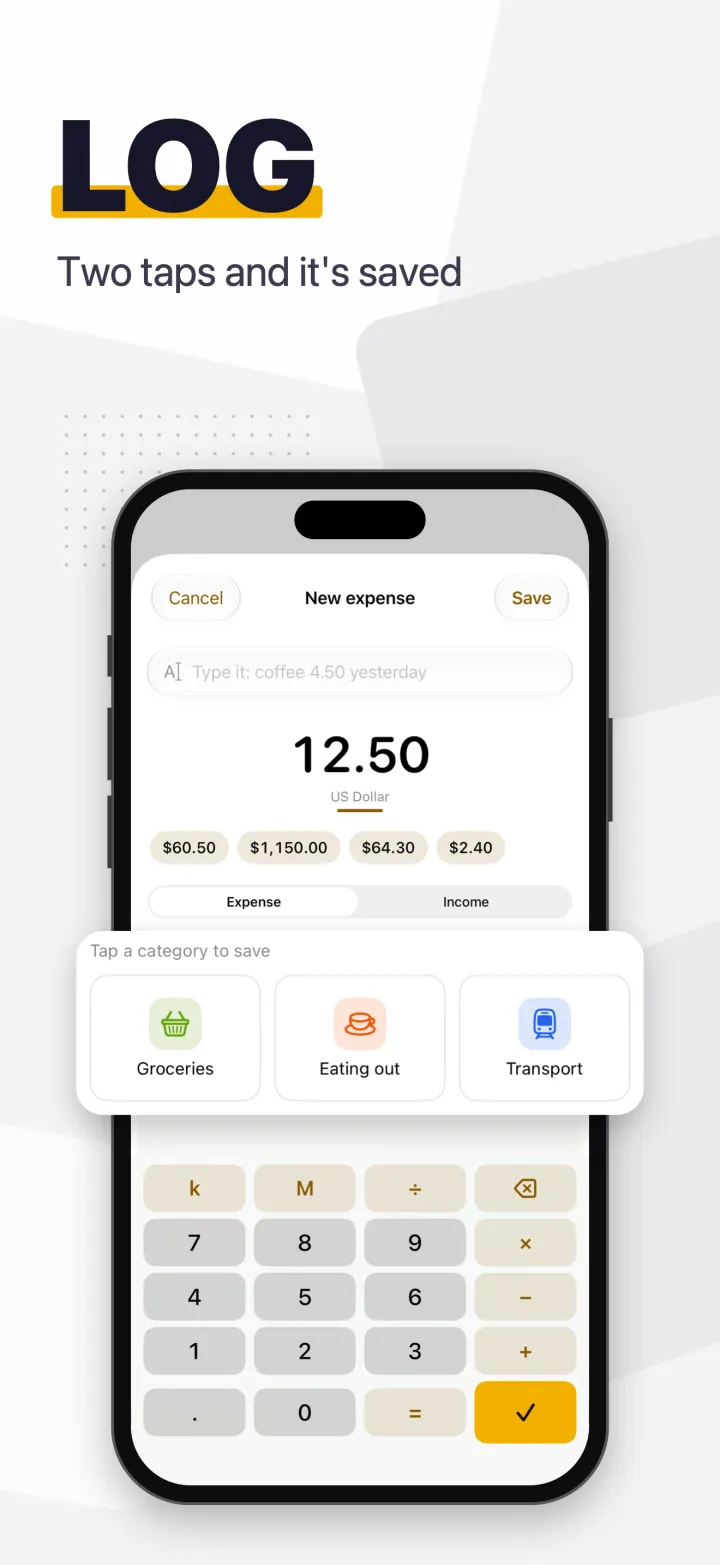
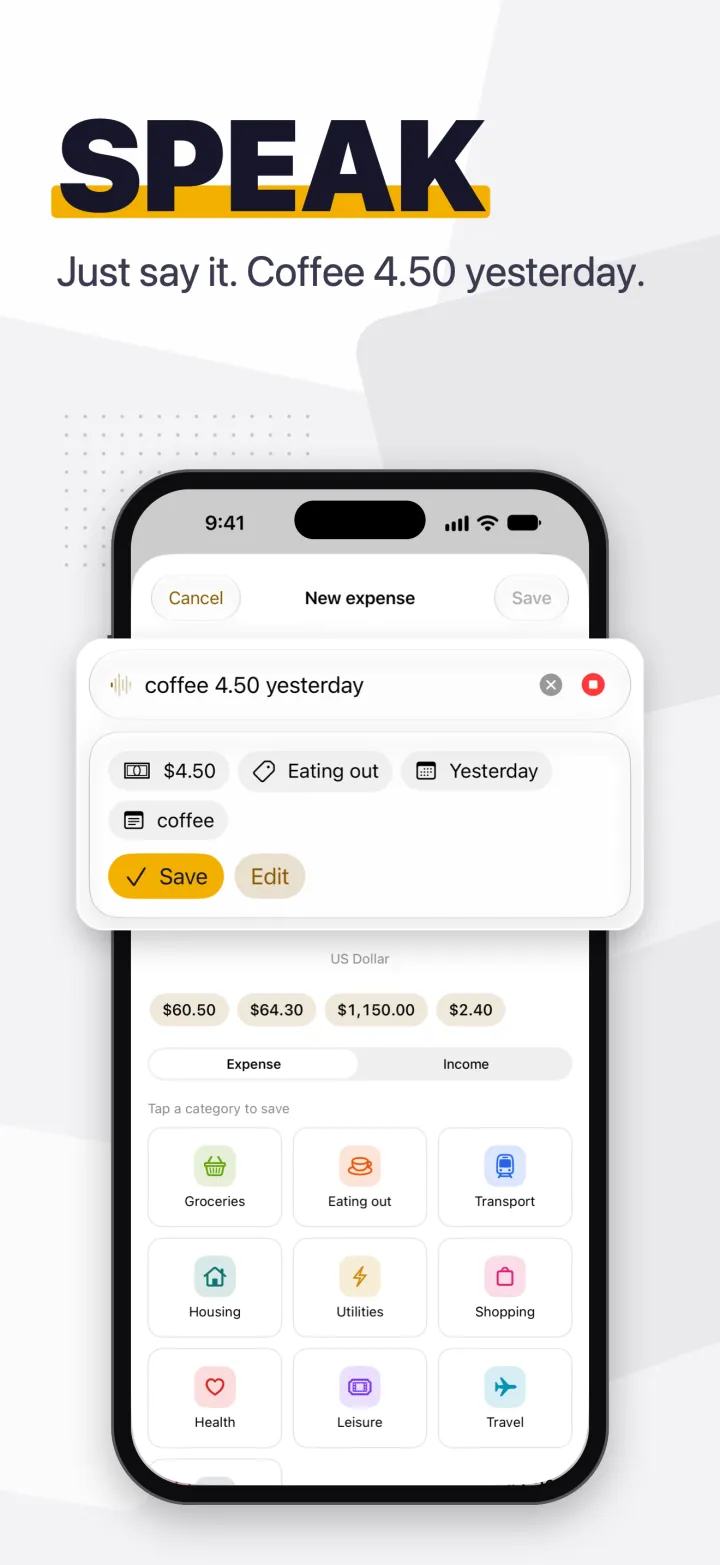
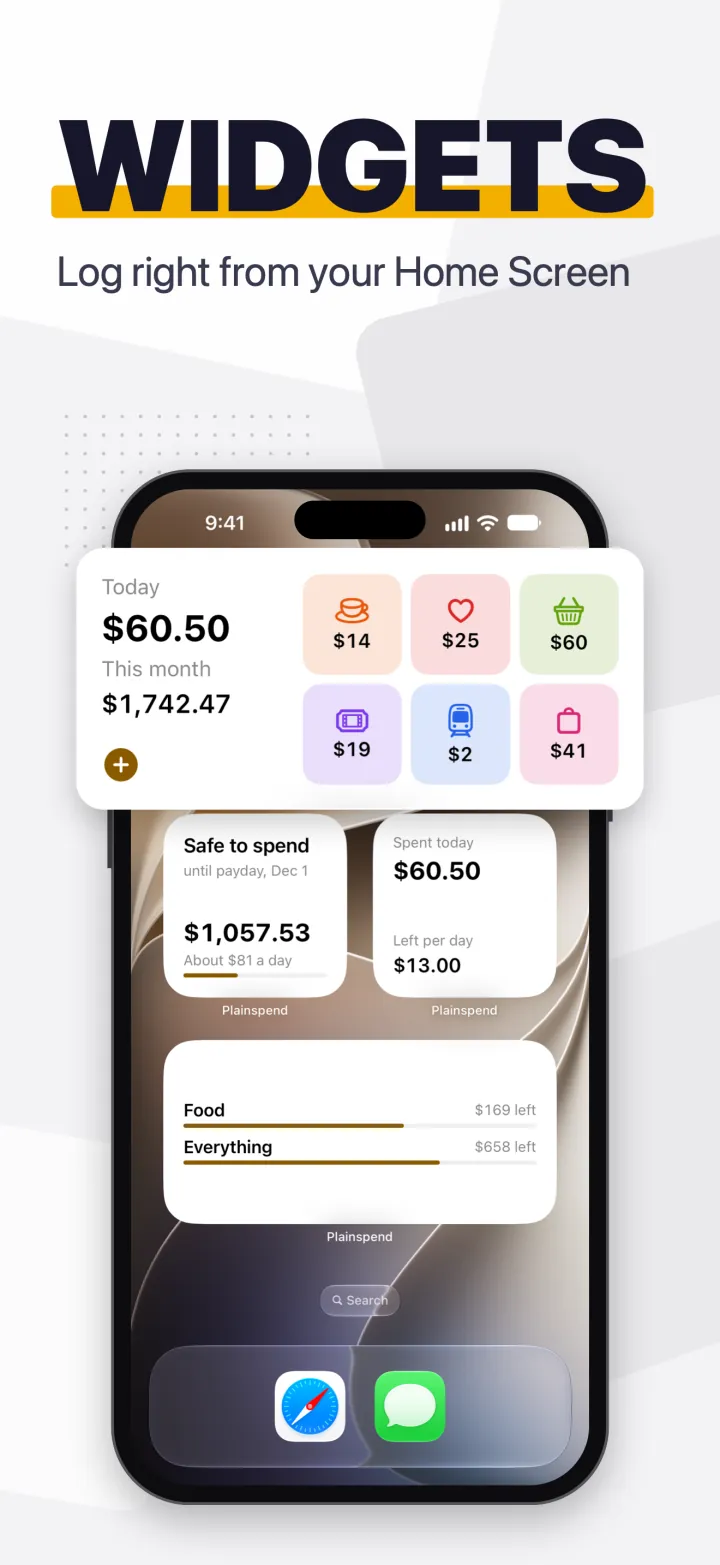
Type the amount and tap a category, or type or say one line like “coffee 4.50 yesterday” and check the preview. Add from a Home Screen widget, the Lock Screen, Control Center, Siri or Shortcuts.
Budgets that show what is left
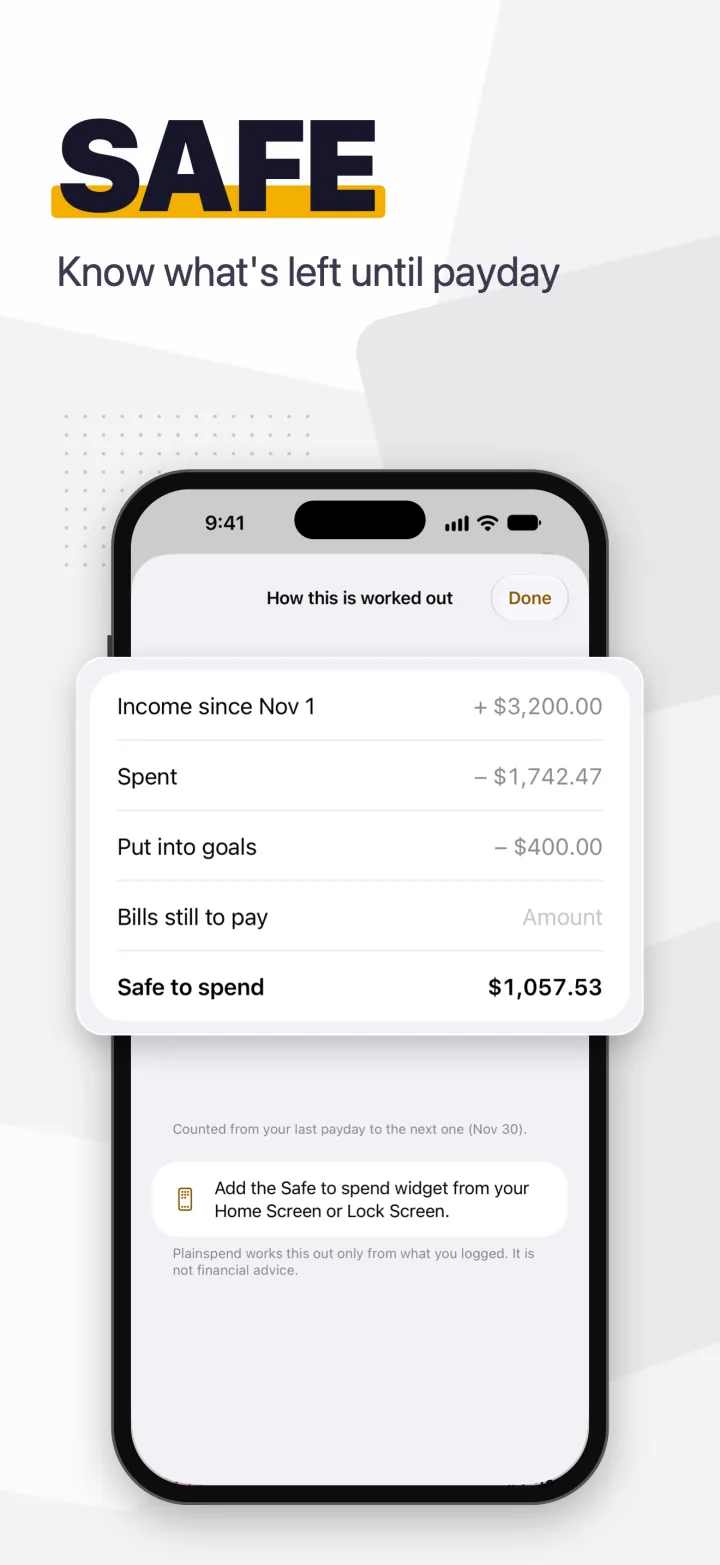
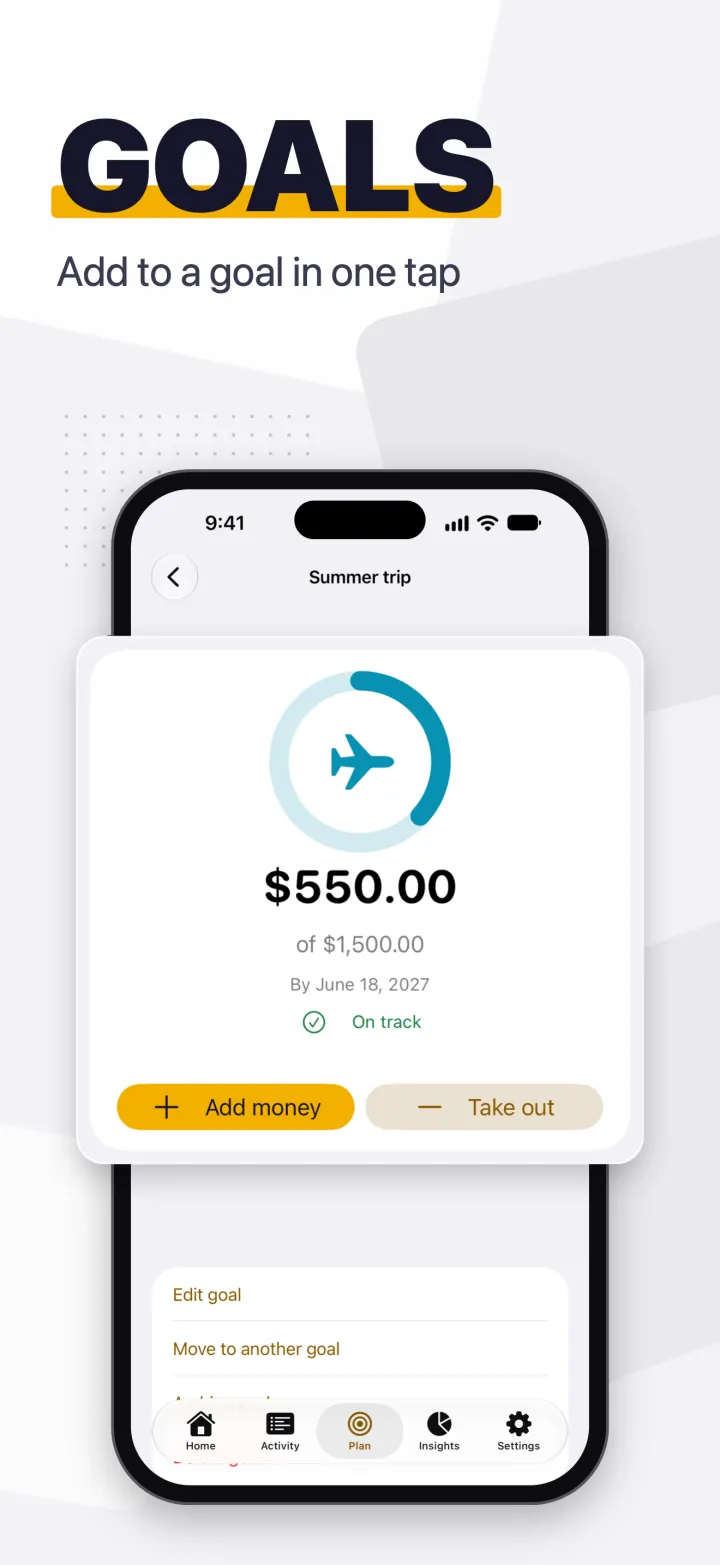
Weekly, monthly or yearly limits for all spending or a few categories, with what is left and about how much you can spend each day. Savings goals with a ring that fills.
Private by design
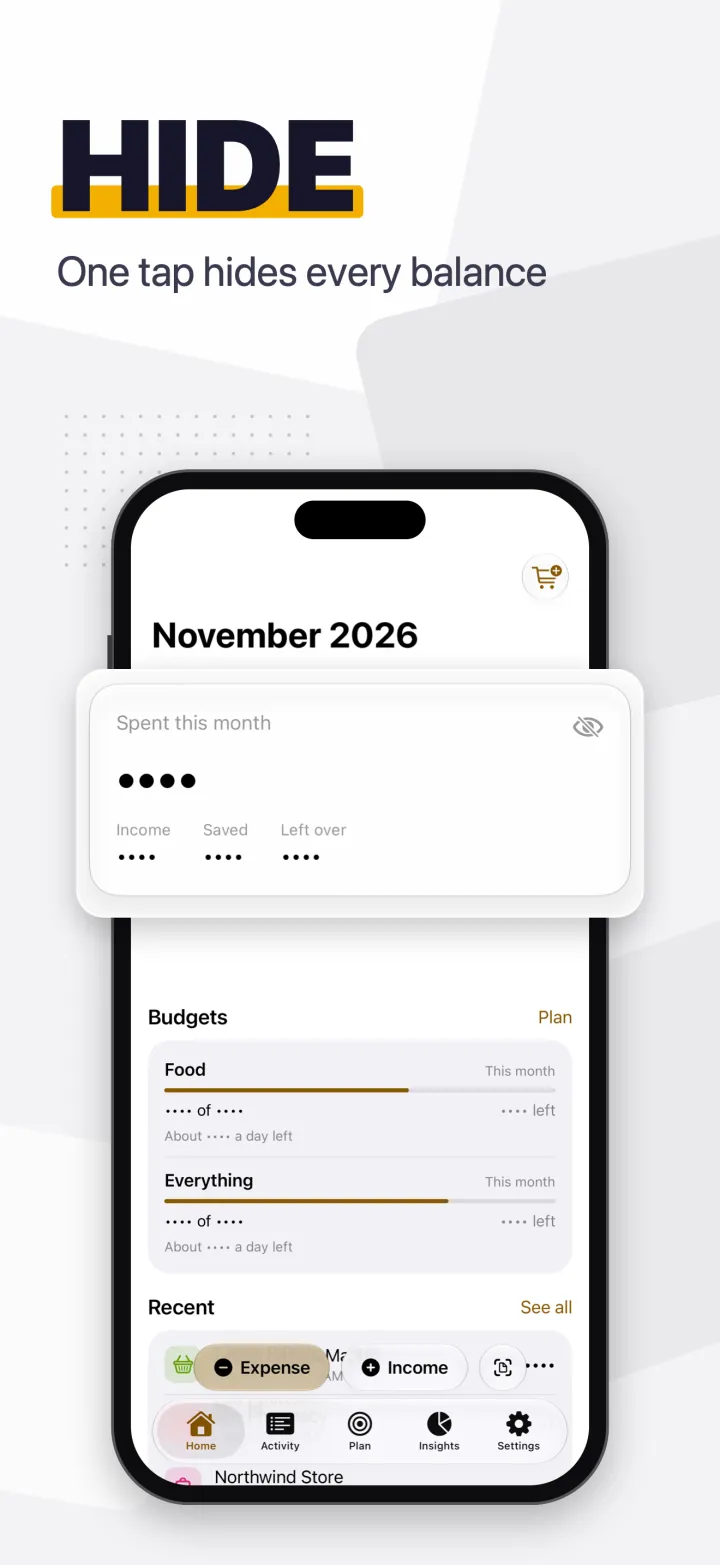
One tap hides every amount, in the app and on widgets. Optional Face ID lock and a cover in the App Switcher.
Your data stays yours
No bank login, no account, no ads, no tracking. Entries stay on your device, and in your own private iCloud if you turn on sync.
Free, or pay once
- Free: logging (typed, spoken or as one line), categories, accounts, charts, search, CSV import and export, Shortcuts, Safe to spend, bill and free-trial reminders, Hide amounts, face-down hide, Face ID lock, the Quick add, Today and small Tap to log widgets, 5 repeating bills, 2 budgets, 2 savings goals and 3 Apple Pay logs through Shortcuts.
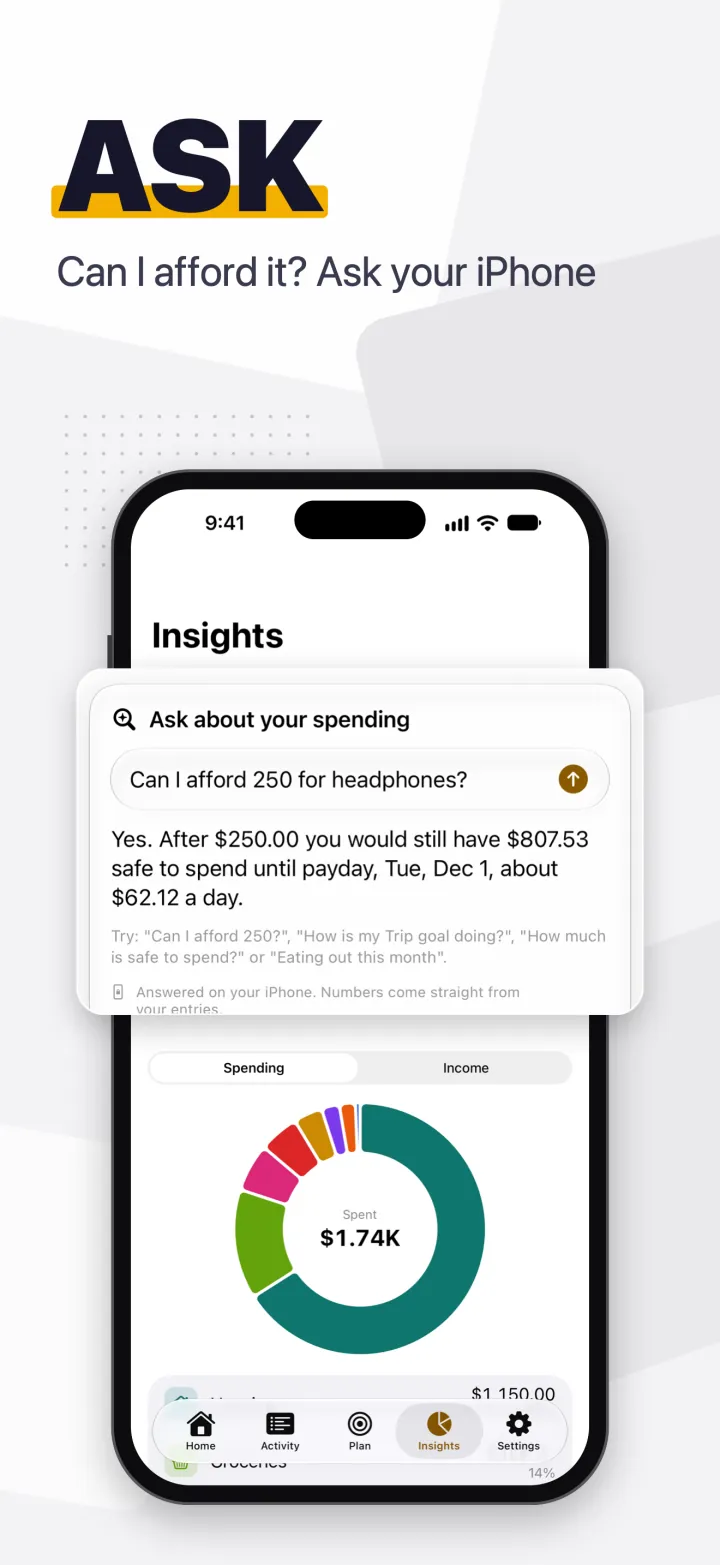
- Plainspend Pro, one purchase: unlimited budgets and goals, iCloud sync between iPhone and iPad, the Budgets, Spending calendar and medium Tap to log widgets, receipt scan on your device, Hide income, unlimited bills and subscriptions with their monthly and yearly cost, My year sharing and PDF reports, spending sessions on the Lock Screen and in the Dynamic Island, every Apple Pay payment logged automatically, and asking about your spending on devices with Apple Intelligence. Family Sharing included. No subscription; the App Store shows the price in your currency.
Questions
Is Plainspend the new Money Manager?
It is the next version of our expense tracker, written from scratch in Swift for iPhone and iPad. It is a separate app from Money Manager on Android: it does not share data or purchases with it, and Money Manager stays available on Google Play.
When can I download it?
Soon. The app is being prepared for App Store review. This page will link to the App Store as soon as Apple releases it.
Is it a subscription?
No. The app is free to use, and Plainspend Pro is a single in-app purchase through Apple that you keep. Family Sharing is included.
Does it connect to my bank?
No. You enter what you spend yourself, log Apple Pay payments through a Wallet automation you set up in Shortcuts, or import a CSV from another app. There is no bank login and no account.
Where is my data stored, and what do you collect?
Your entries stay on your iPhone or iPad. If you have Pro and turn on iCloud sync, they are also kept in your own private iCloud. We have no server of our own. The app sends only anonymous usage counts and crash reports (Google Firebase), never your amounts, notes or stores, and it has no ads and no tracking.
Is the receipt photo uploaded?
No. Receipt scan reads the text on your device with Apple's Vision framework. The image is not stored or uploaded.
Privacy policy · Money Manager for Android · Terms of use (Apple standard EULA) · Support