
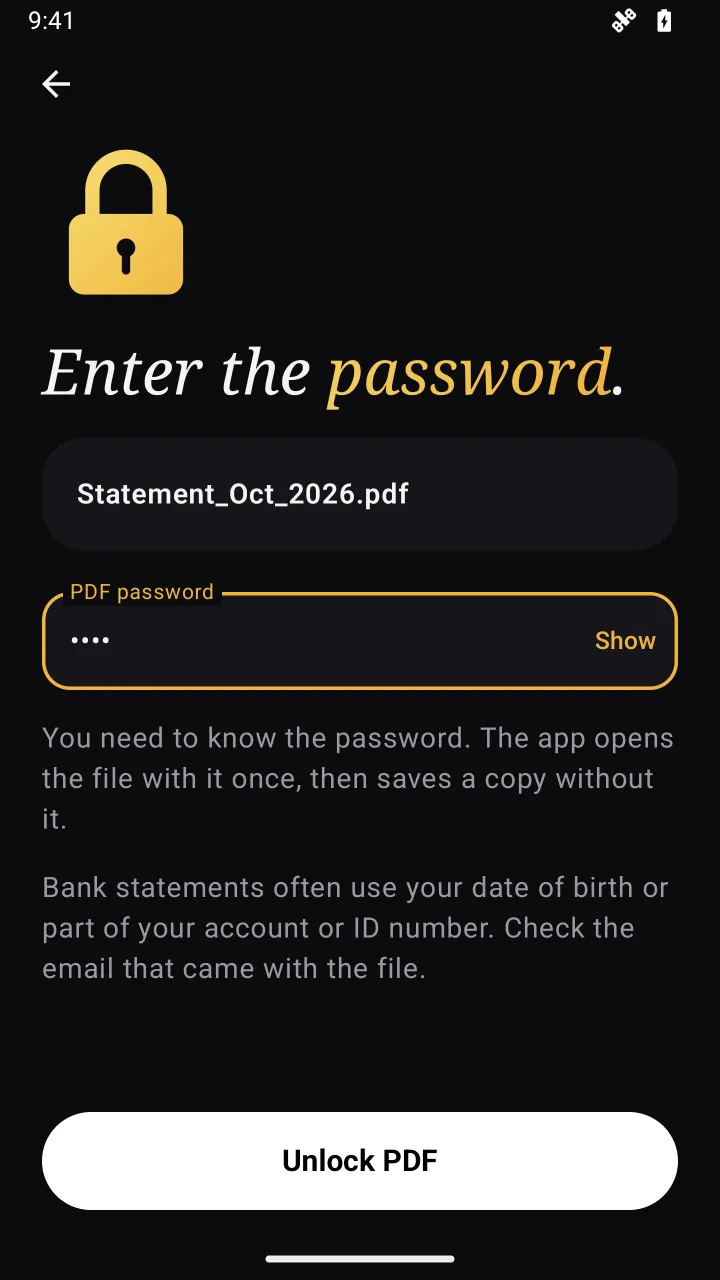
Choose the PDF
Pick it with the Android file picker, or open it straight from Gmail, Drive, WhatsApp or Files with Open with or Share.


PDF Unlock
Android · iPhone & iPad coming soon
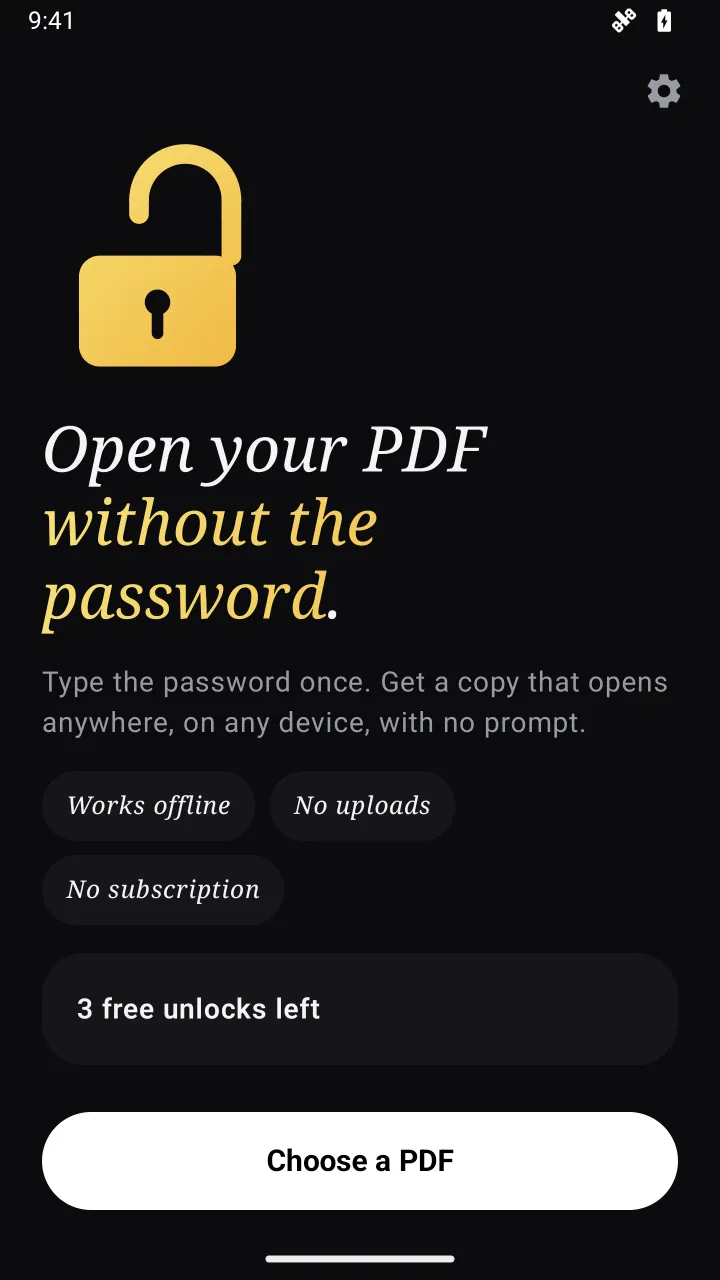
Tired of typing the same password every time you open a bank statement, payslip or e-bill? PDF Password Remover makes a copy that opens anywhere with no prompt. It runs offline on your phone, so the file is never uploaded.
For files you have the password for. It does not crack unknown passwords.
iPhone & iPad
The same idea, rebuilt for iOS: type the password once and get a copy that opens anywhere, in Files, Mail, Preview and on printers. It removes passwords you know; it does not guess or crack unknown ones. 3 free unlocks, then Pro is a one-time purchase.
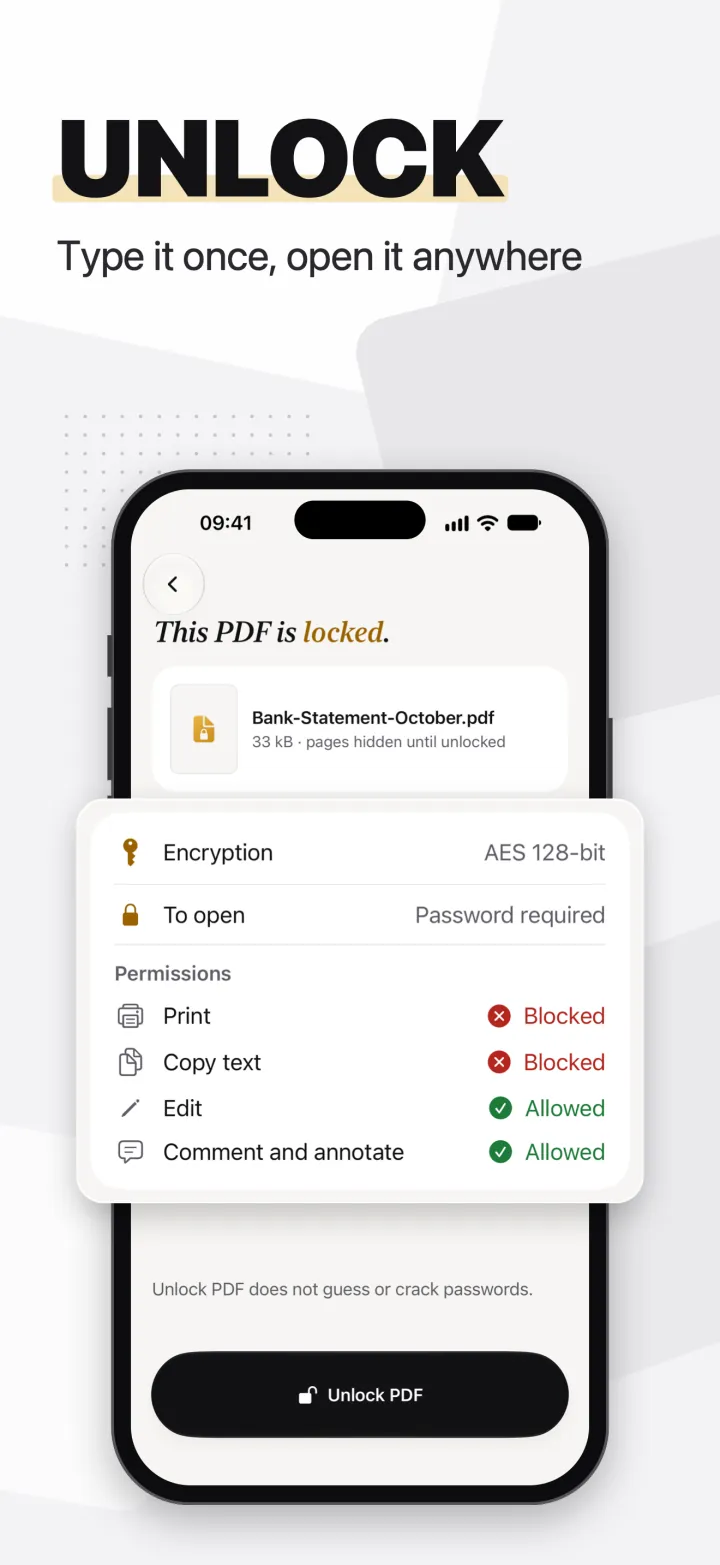
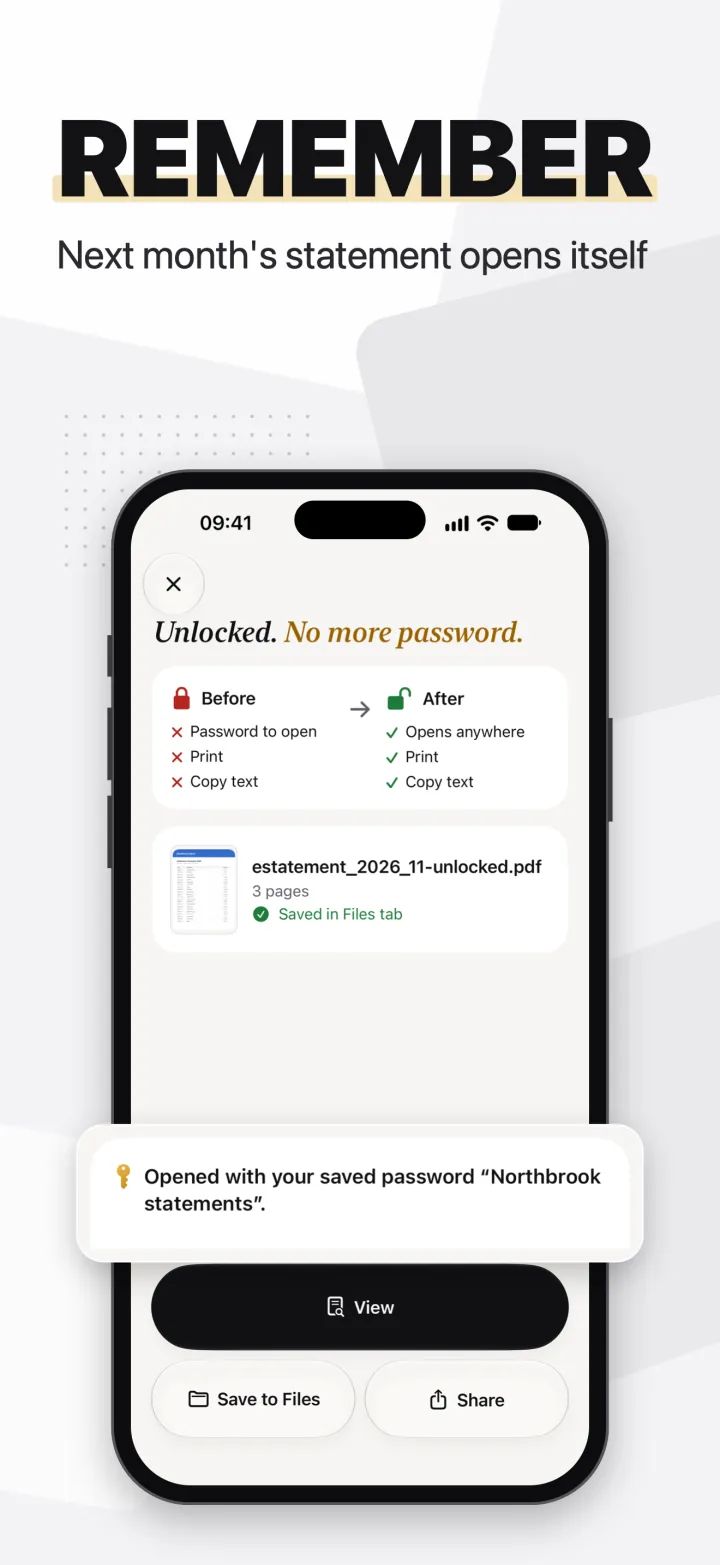
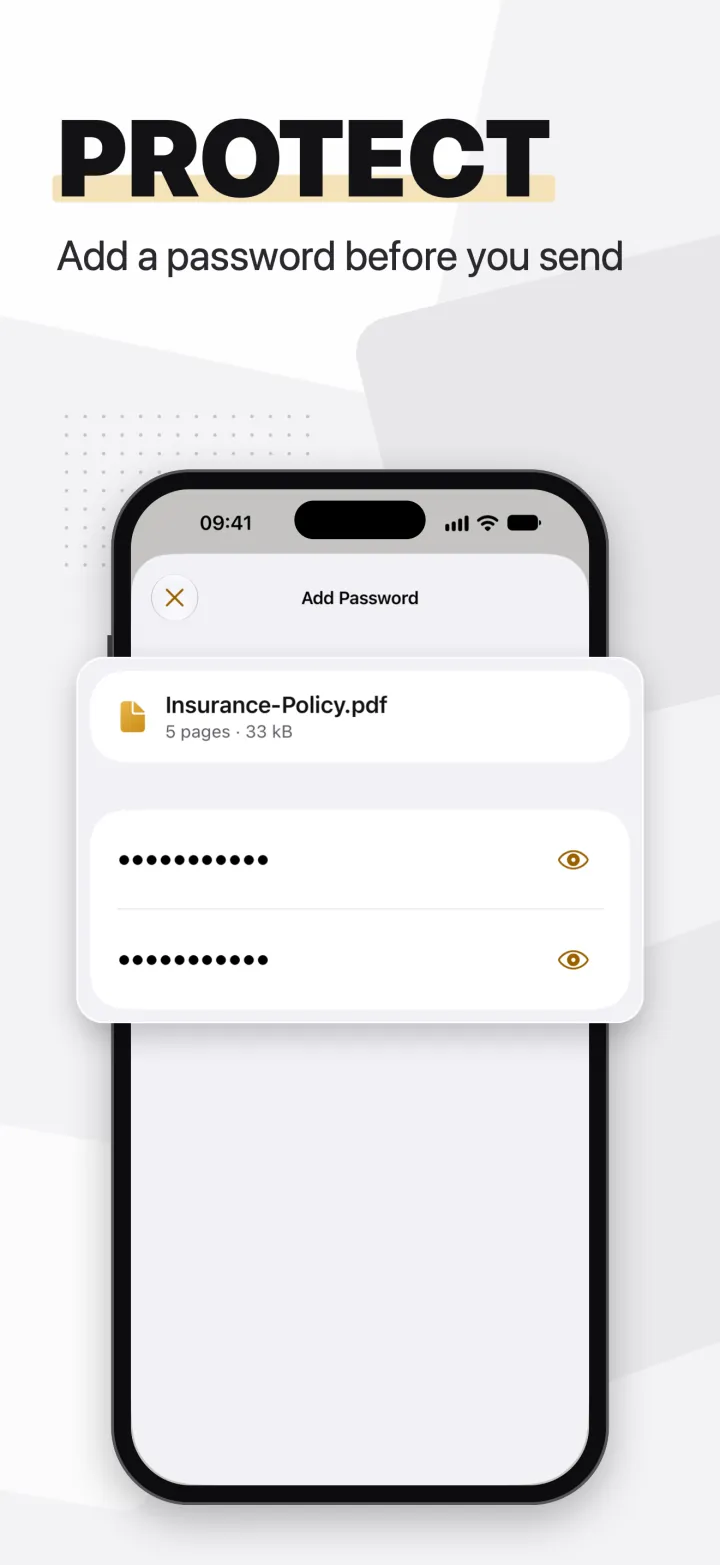
Bank statements and payslips reuse one password every month. Turn on Remember this password once; the next file with a similar name opens without typing. Saved in the iOS Keychain.
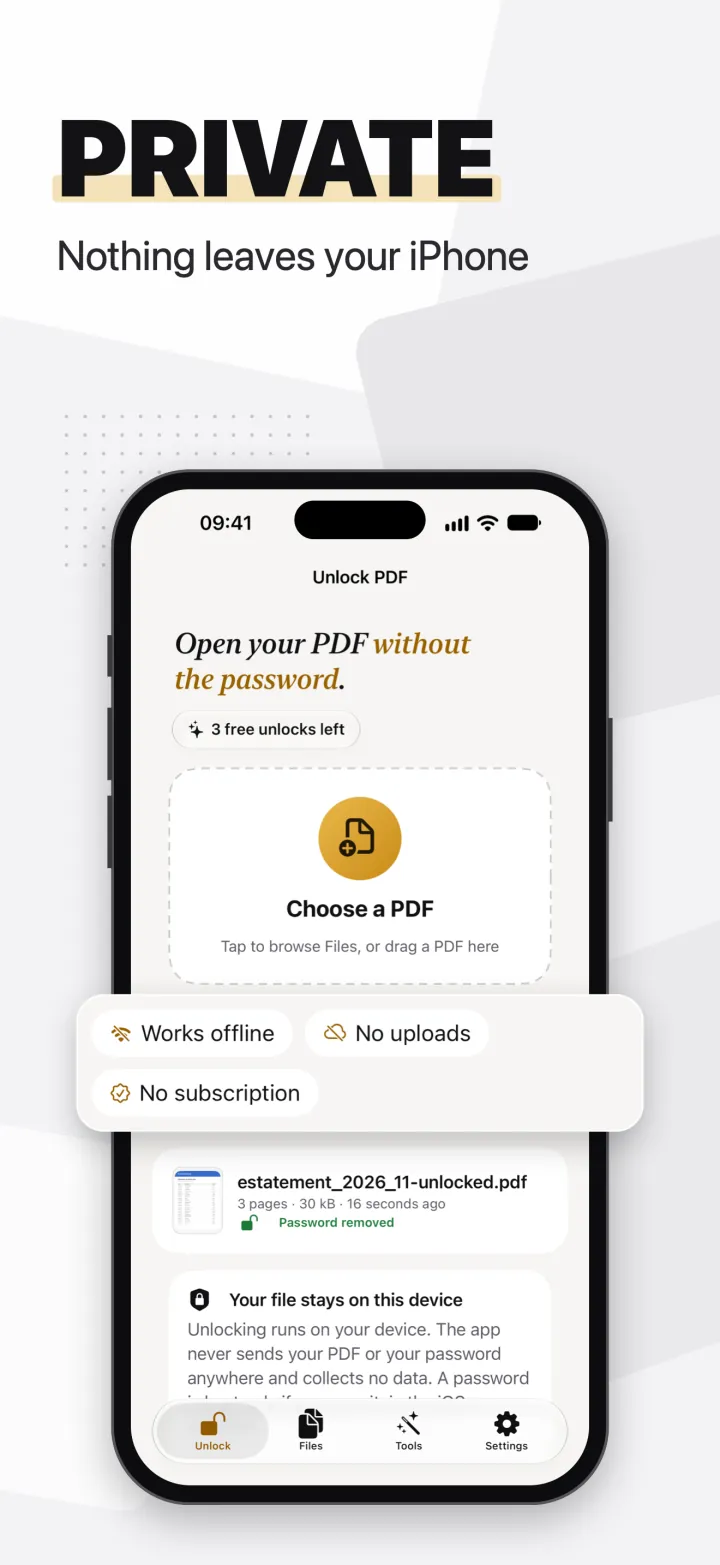
Unlocking runs on your iPhone or iPad and files are never uploaded. Optional Face ID lock, and the App Switcher shows a plain screen, not your statement.
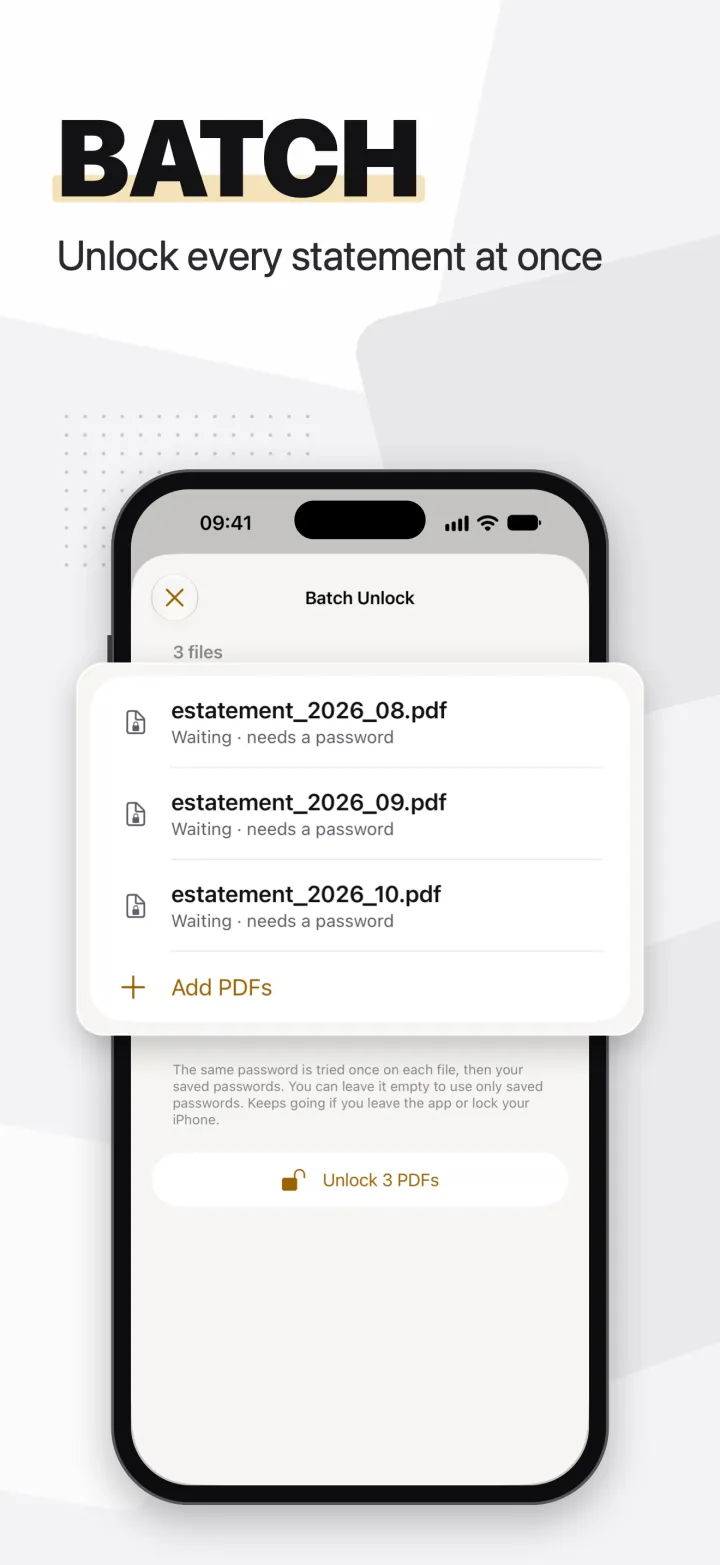
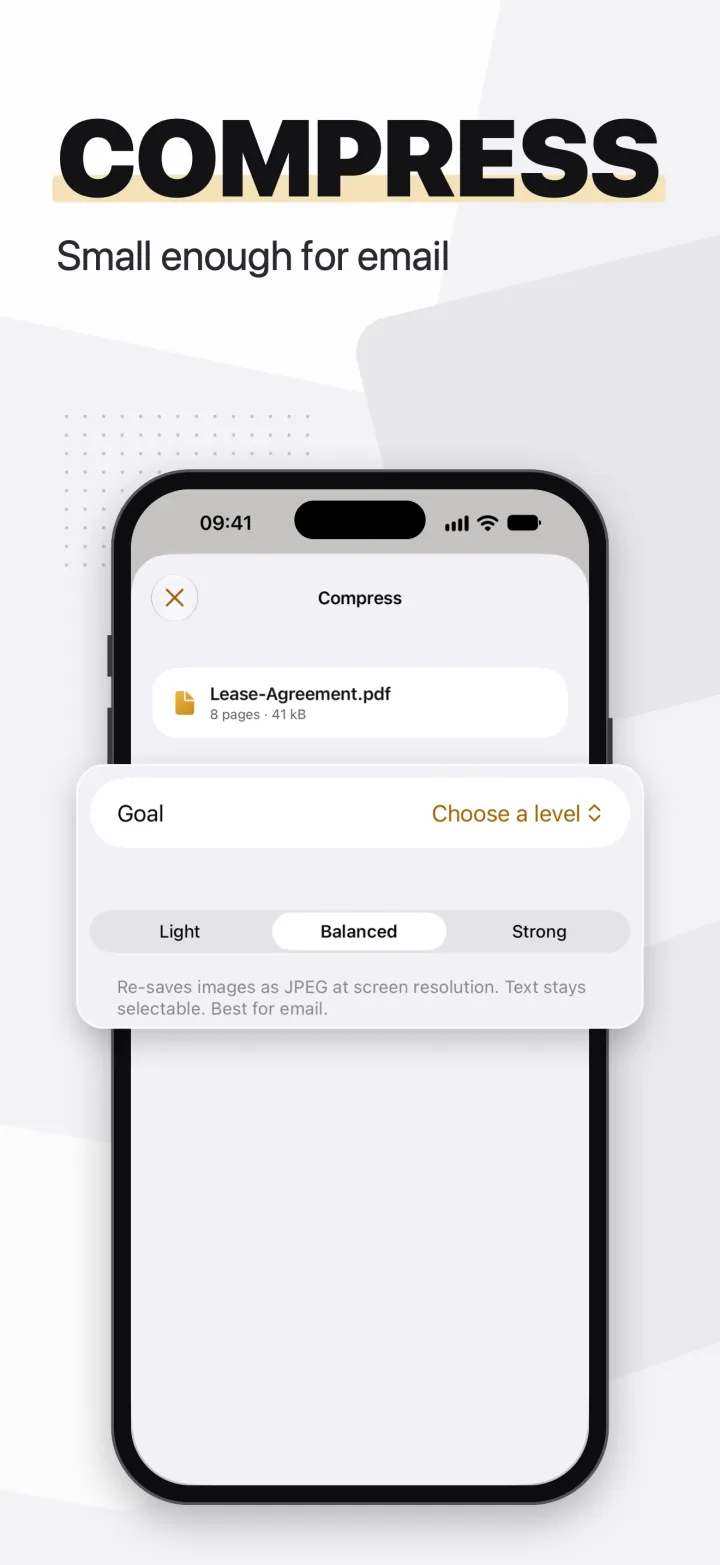
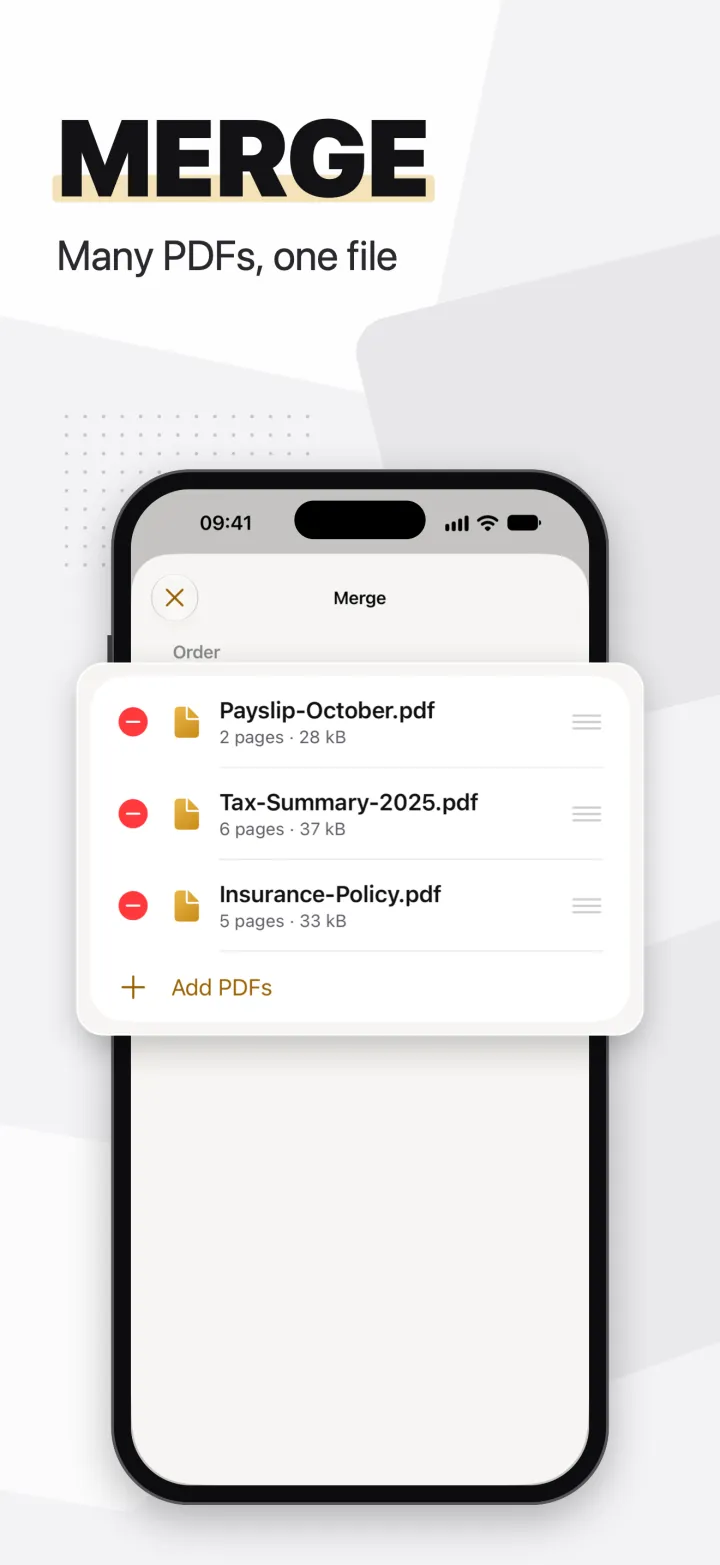
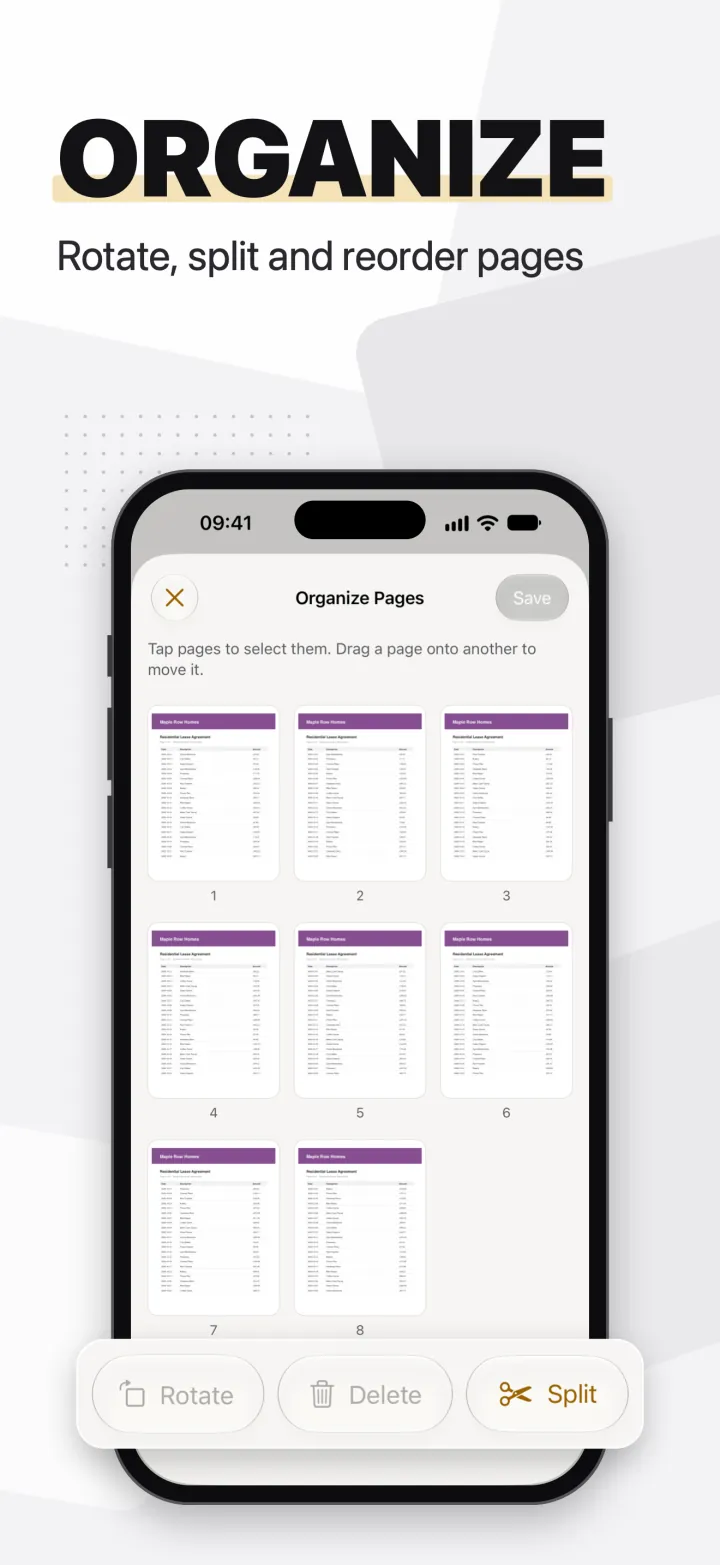
Unlimited unlocks, Batch Unlock, Add Password, Compress, Merge, Split, Rotate and Organize Pages, plus Shortcuts and Siri. A one-time purchase that also removes ads.
Three steps, about as long as it takes to type the password.
Pick it with the Android file picker, or open it straight from Gmail, Drive, WhatsApp or Files with Open with or Share.
The one from your bank, employer or sender. You need to know it: the app opens the file with it, it does not guess.
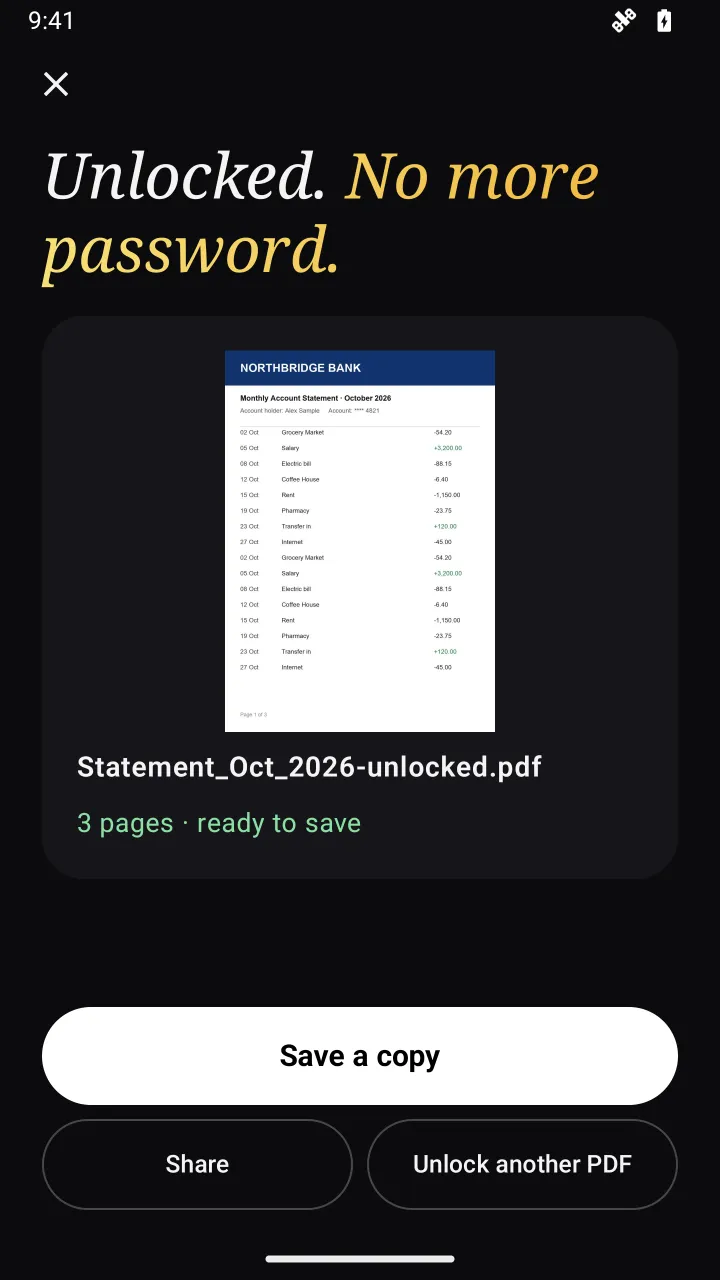
Save it to any folder or share it. The copy opens on any device with no prompt. Your original file stays as it was.
Bank statements and payslips are exactly the files you should not upload to a website you found a minute ago.
Unlocking runs on the device. Your PDF and its password never go over the network, so it works in airplane mode.
The password is used once in memory to open the file. It is never stored, logged or sent anywhere.
No storage permission. You hand the app exactly one file; it cannot browse the rest of your phone.
The copy keeps the original text, links and page quality. It is the same document, just without the password.
The app uses the internet only for Google Play purchases, ads and anonymous usage statistics. Details in the privacy policy.
No. PDF Password Remover only removes a password you already know. It does not guess, crack or brute-force passwords. If you have lost the password, ask whoever sent the file (your bank, employer or the sender) to resend it or tell you the password format.
No. The file is opened and saved on your phone. Your PDF and your password never go over the network, and the password is never stored or logged. The app does use the internet for Google Play purchases, ads and anonymous usage statistics, none of which include your file or password.
No. It saves a new copy without the password, in the folder you choose. The original stays exactly as it was, so you can delete it yourself once you are happy with the copy.
Your first 3 PDFs are free, and you can watch a short ad for one more. Pro is a one-time purchase ($4.99 in the US; Google Play shows the price in your currency) for unlimited PDFs and no ads. There is no subscription and nothing renews. A separate small one-time purchase removes ads only.
PDFs that ask for a password when you open them, encrypted with AES-256, AES-128 or RC4. That covers the usual bank statements, card statements, payslips, tax documents and e-invoices. If a file already opens without a password, the app tells you and your free unlock is not used.
No. It is made for PDFs that need a password to open. Files that open freely but block printing, copying or editing are not what this app is for.
No. You pick one file with the Android file picker, or send it to the app from Gmail, Drive, WhatsApp or Files with Open with or Share. The app reads only that file.
An iPhone and iPad version, PDF Unlock: Remove Password, is coming soon to the App Store; it is bought separately through Apple. There is no desktop app: on a computer you can remove a known password for free with your browser's Print to PDF; our offline guide shows how.
Only remove passwords from documents you own or are allowed to open.
Useful whether or not you install the app, including free ways to do this on a computer.
The app is not on Google Play yet. This page will link to it as soon as the listing is public.